CRM SETUP & CONFIGURATION
We configure your CRM around your workflow
Already have Zoho, GoHighLevel, HubSpot, or another CRM? We customize each module with the custom fields, pipelines, workflows, and automations your business actually needs, and hand over a documented lead-journey playbook so your team knows exactly how to run it.
Setup Plans
Four levels of configuration depth
Each plan configures your existing CRM (Zoho, GoHighLevel, HubSpot, or another) at the depth your business needs. CRM subscription stays with your provider.
Basic
Essential CRM setup for small teams getting started.
- 3 online forms
- Booking page + web chat
- Basic payment gateway
- 1 hr training
$800 one-time
Silver
Enhanced setup with chatbot and data migration.
- 8 forms + advanced booking
- Web chat + chatbot
- Data migration (100 entries)
- Advanced payment gateway
- 2 hrs training
$1,500 one-time
Gold
Advanced setup with full invoice + estimate cycle.
- 10 forms + advanced booking
- Web chat + chatbot
- Data migration (100 entries)
- 50 invoices + 50 estimates
- Basic campaign (2 email templates)
- 3 hrs training
$2,300 one-time
Platinum
Full setup with lead campaigns and maximum capacity.
- 20 forms + advanced booking
- Web chat + chatbot
- Data migration (100 entries)
- 70 invoices + 70 estimates
- 300 leads + 2 campaigns
- 4 hrs training
$3,800 one-time
Key Features
Included in every plan
Every CRM setup includes the following, before we even get to plan-specific features.
Module & custom-field configuration
Every module tailored to your business with the custom fields your team actually uses
Pipelines & lead-journey workflows
Stages, triggers, and automations mapped to how your leads actually move
Form & integration setup
Connect your existing lead capture forms and tools to the CRM
Estimates & invoices setup
Templates configured and ready to send from day one
Requirements gathering (1 hr)
Deep-dive session to understand your workflows and lead sources
Documented playbook + training
Halfway check-in, final walkthrough, and a written playbook so your team knows how to run it
Ongoing Care
Ongoing CRM Optimization & Support
Keep your CRM tuned to your business as it grows. Four pillars, predictable monthly cadence.
Pipeline & Workflow Tuning
- Stage and pipeline adjustments as you grow
- Workflow and automation refinements
- Lead routing and assignment rule updates
Data Hygiene
- Duplicate detection and contact merging
- List cleanup, tagging, and segmentation
- Field standardization and enrichment
Reporting & Dashboards
- KPI and pipeline performance reviews
- Dashboard and report adjustments
- Attribution and funnel insights
Integration Health
- API and connector monitoring
- Third-party app updates (email, calendar, VoIP)
- Sync error triage and resolution
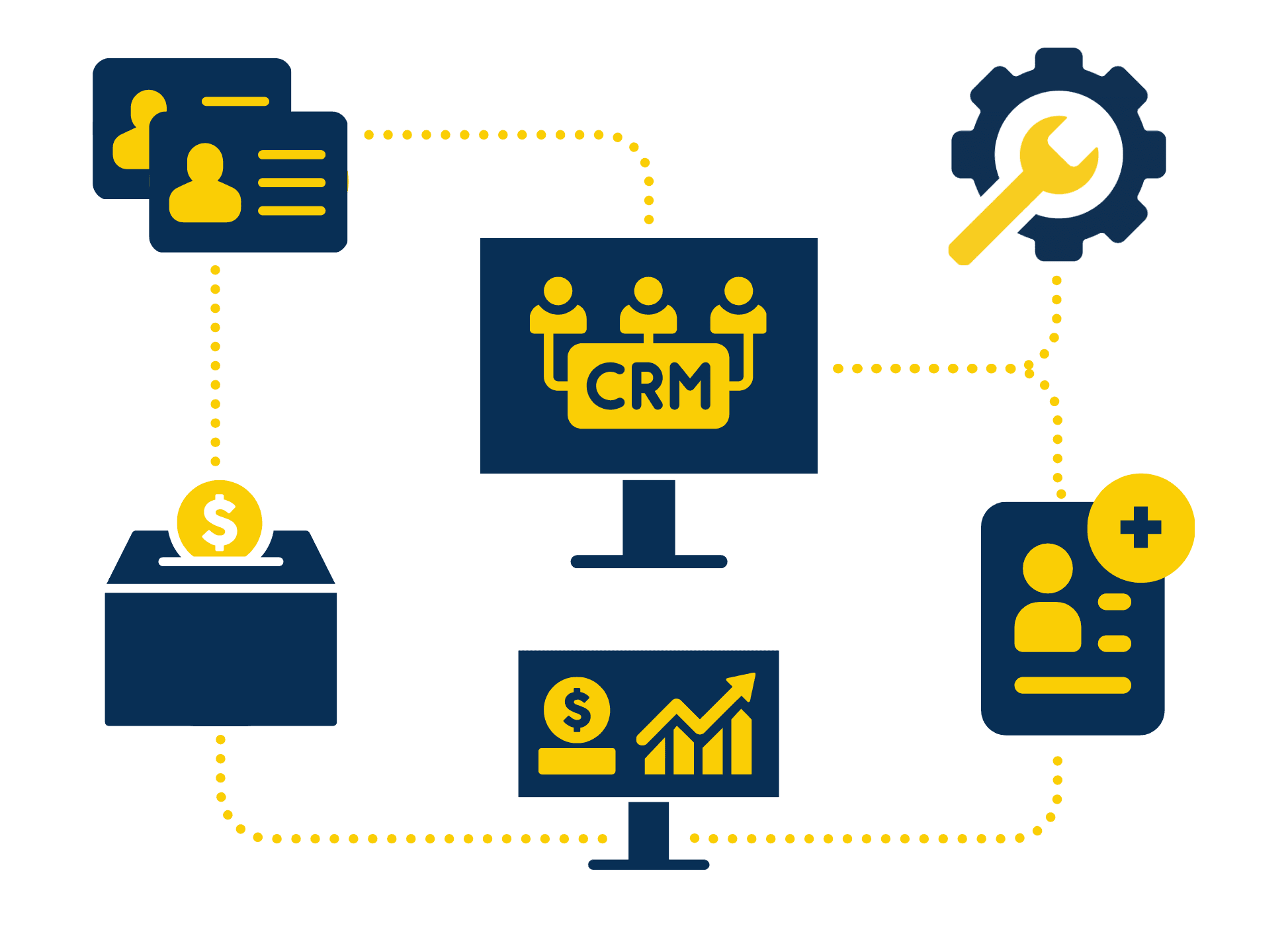
CRM platforms we configure

The process
From requirements to launch in 4 steps
Requirements
We sit down with you to map out your workflows, lead sources, pipeline stages, and what you need the CRM to do from day one.
Build
Our team configures your CRM: forms, automations, pipelines, payment gateway, and all integrations, around your exact requirements.
Review
Halfway check-in to review progress, catch anything we missed, and make adjustments before the final build.
Train & Launch
Final delivery meeting where we walk your team through the system, answer questions, and hand it over ready to use.
WHAT TO EXPECT
Frequently Asked Questions
We configure most major CRMs, including Zoho CRM, GoHighLevel, HubSpot, Salesforce, Pipedrive, Monday.com, ActiveCampaign, Keap, Freshsales, and Close. If you already have a CRM, we work inside it. If you don't, we help you pick the right one in the requirements session before setup begins.
We only do the setup and configuration. We don't sell or resell the CRM platform itself. The subscription stays on your account with the provider (Zoho, GoHighLevel, HubSpot, etc.), and we configure modules, custom fields, pipelines, workflows, and automations inside it so it fits your business.
Every module is tailored to your business: custom fields for the data your team actually tracks, pipelines and stages that match how your leads really move, automations for follow-ups and task assignment, form and payment gateway integrations, and a documented lead-journey playbook so your team knows exactly how to run it.
A few important notes: (1) Onboarding Fee: a one-time $300 fee is required for all new customers, which covers a 1-hour session with a U.S.-based specialist. (2) CRM Subscription: our fee covers the setup and configuration only; the CRM subscription is managed separately through your provider. (3) Phone Software: costs for phone software are the client's responsibility. (4) Data Formatting: transactions must be provided in Excel or CSV templates; extra encoding charges apply for non-standard formats.
Typically 2-4 weeks depending on the plan and complexity. Basic setups are faster; Platinum plans with full data entry and campaigns take longer.
No. Our fee covers the setup, configuration, and integration only. The CRM subscription is managed separately through your provider (Zoho, GoHighLevel, HubSpot, etc.).
Perfect. We prefer to work inside the CRM you already use. We can migrate or clean up your existing data as part of the setup. Data must be provided in Excel or CSV format; additional encoding fees may apply for large datasets.
We offer extra CRM/CS training hours as an add-on. For ongoing management, a dedicated VA with CRM experience can be hired through our standard hiring plans.
It covers a 1-hour session with a U.S.-based specialist to kick off your project, review requirements, and ensure you're set up for success from the start. It's required for all new customers.
Important to know
What our setup fee covers
CRM Subscription
The CRM software (Zoho, GoHighLevel, HubSpot, Salesforce, or another) is a subscription-based service billed separately by your provider. It stays on your own account. Our fee covers configuration, setup, and training only.
Onboarding Fee
A one-time onboarding fee covers a requirements session with a U.S.-based specialist before any configuration begins.
Third-party Integrations
Connecting tools such as phone systems, payment processors, or email platforms depends on each provider's available integrations and plan. We confirm exactly what's supported during discovery.
Data Migration
Importing existing contacts or records can be added to your plan. Scope is confirmed during discovery based on your current data and source system.